FPVEdit
A free automatic FPV montage maker for Windows. Drop in a pile of raw freestyle footage and get back a finished montage, fully offline.
- Type
- Desktop app + CLI
- Role
- Solo developer
- Stack
- Python, FFmpeg, CUDA
- Vision
- SigLIP 2
- App
- PySide6 (Qt)
- Ships as
- Windows installer
- Code
- GitHub, MIT
The problem
FPV pilots record every flight. An afternoon of flying turns into an hour of footage, and most of it is sitting on the ground, crashing or cruising. Cutting that into something worth watching takes hours in a video editor.
FPVEdit does that first cut for you. Drop in your clips, or point the command-line tool at them, and it hands back a montage. It runs on your own PC, so the footage never leaves it.
How it works
- Scanning Classic motion and scene analysis does most of the work: it finds flips, rolls and close passes, and spots crashes.
- Reading the picture Google's SigLIP 2 vision-language model looks at what is in each shot, like indoors or outdoors, trees, gaps and open sky.
- Picking shots Weaker shots are compared against stronger ones across all the clips, and crashes and failed tricks are cut out.
- Cutting Shots are 8 to 15 seconds long, kept in recording order and joined with hard cuts. It never cuts in the middle of a flip or breaks up a flowing line.
- Rendering FFmpeg exports a broadly compatible H.264 MP4. Analysis runs on NVIDIA CUDA when it is available and falls back to the CPU, and encoding uses NVENC with a software fallback.
Ratings
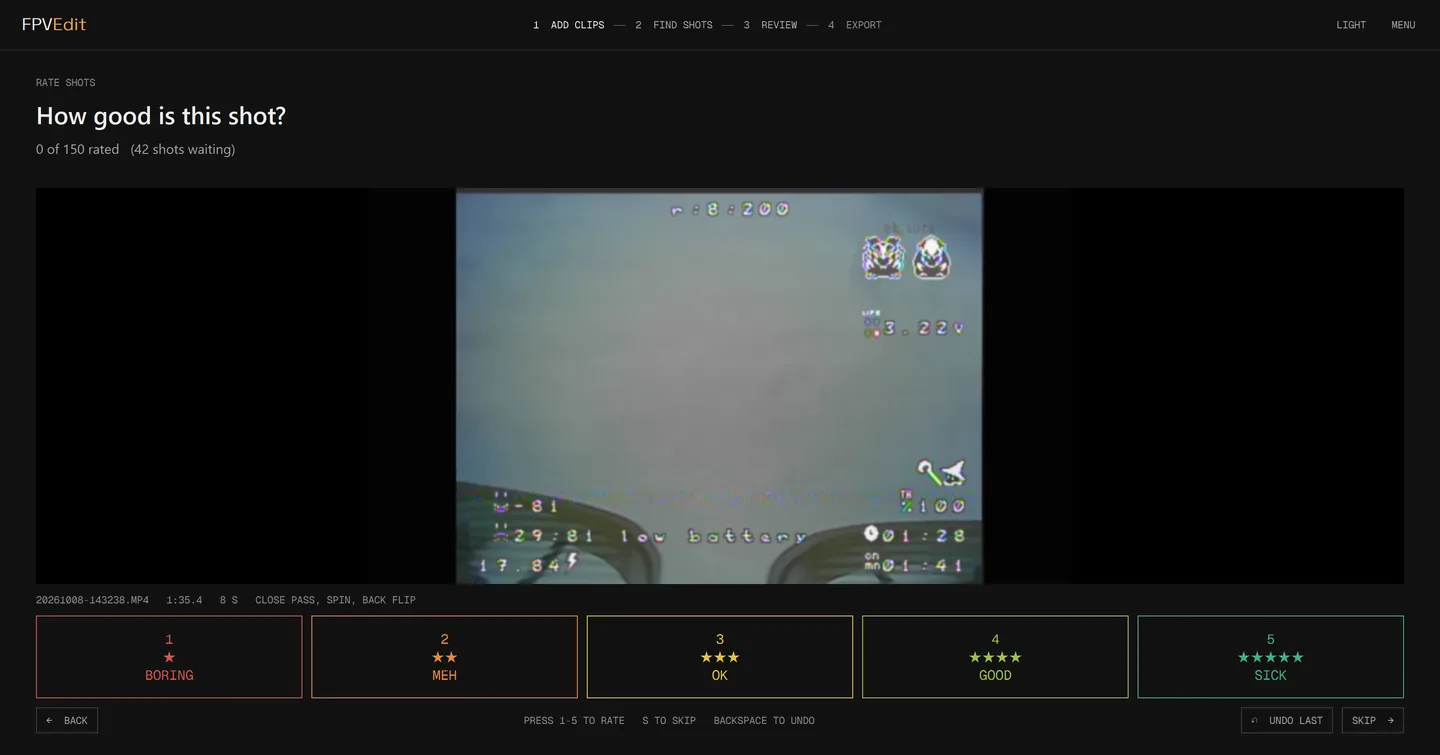
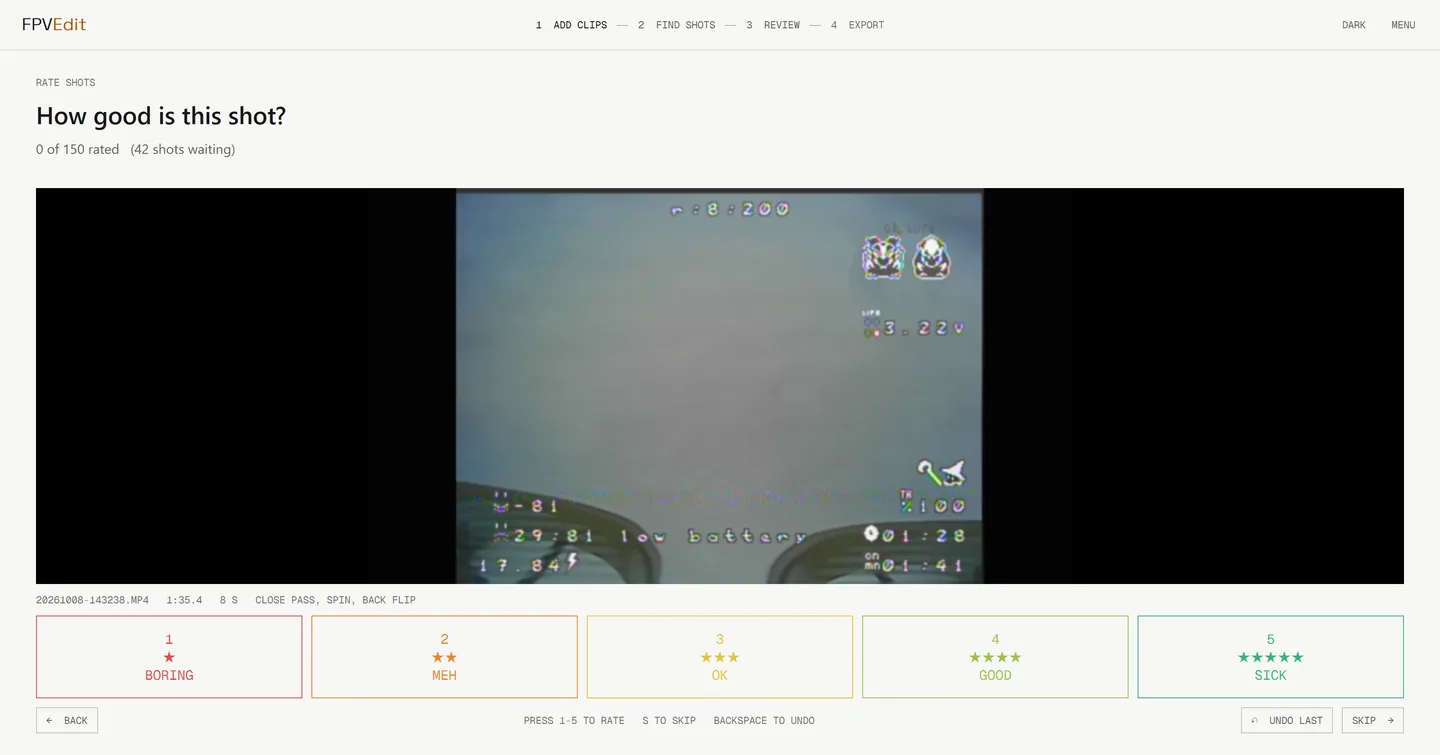
Pilots like different shots. You can rate any shot from 1 to 5 stars, either during review or on a quick-rating screen built for going through a lot of them, and FPVEdit learns from those ratings to filter future montages.
Letting the rating model use what the vision-language model sees made a clear difference. On my own footage, the average error in its predicted ratings dropped from 0.94 to 0.73 stars.
Desktop app
The PySide6 app follows four steps: add clips, find shots, review, export. Each clip is analysed in the background as soon as it is added.
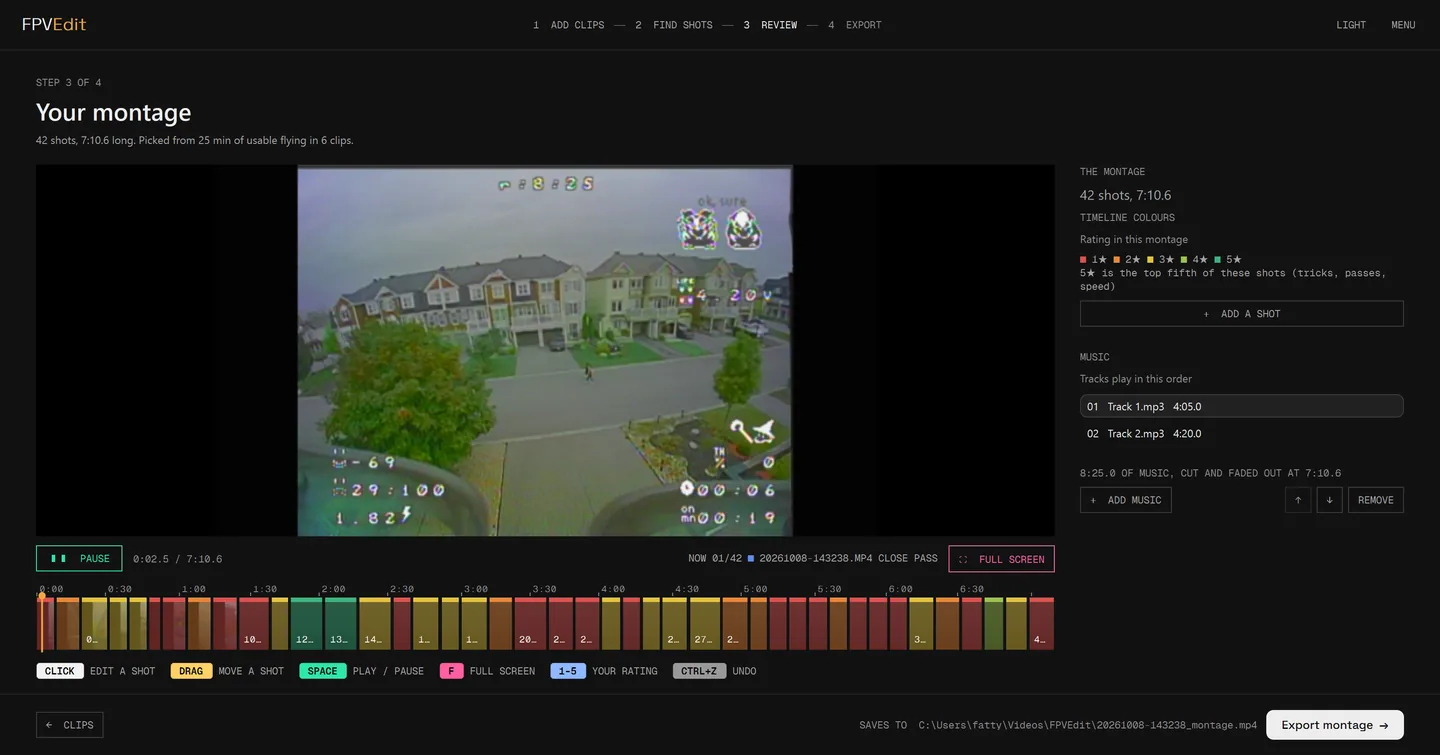
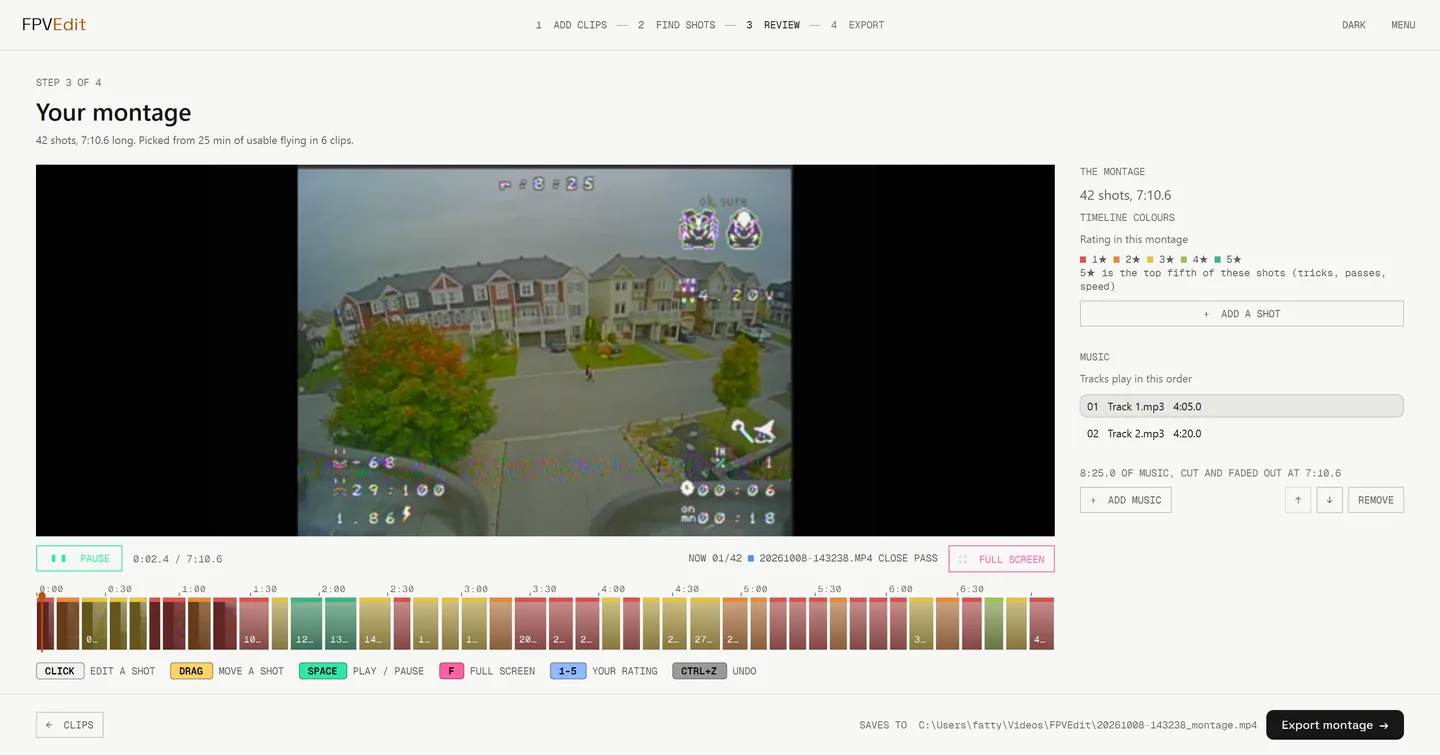
Click any shot on the timeline to open it: loop it, trim either end, swap it for another shot from the same clip, remove it, or rate it. Drag shots to reorder them, and undo anything.
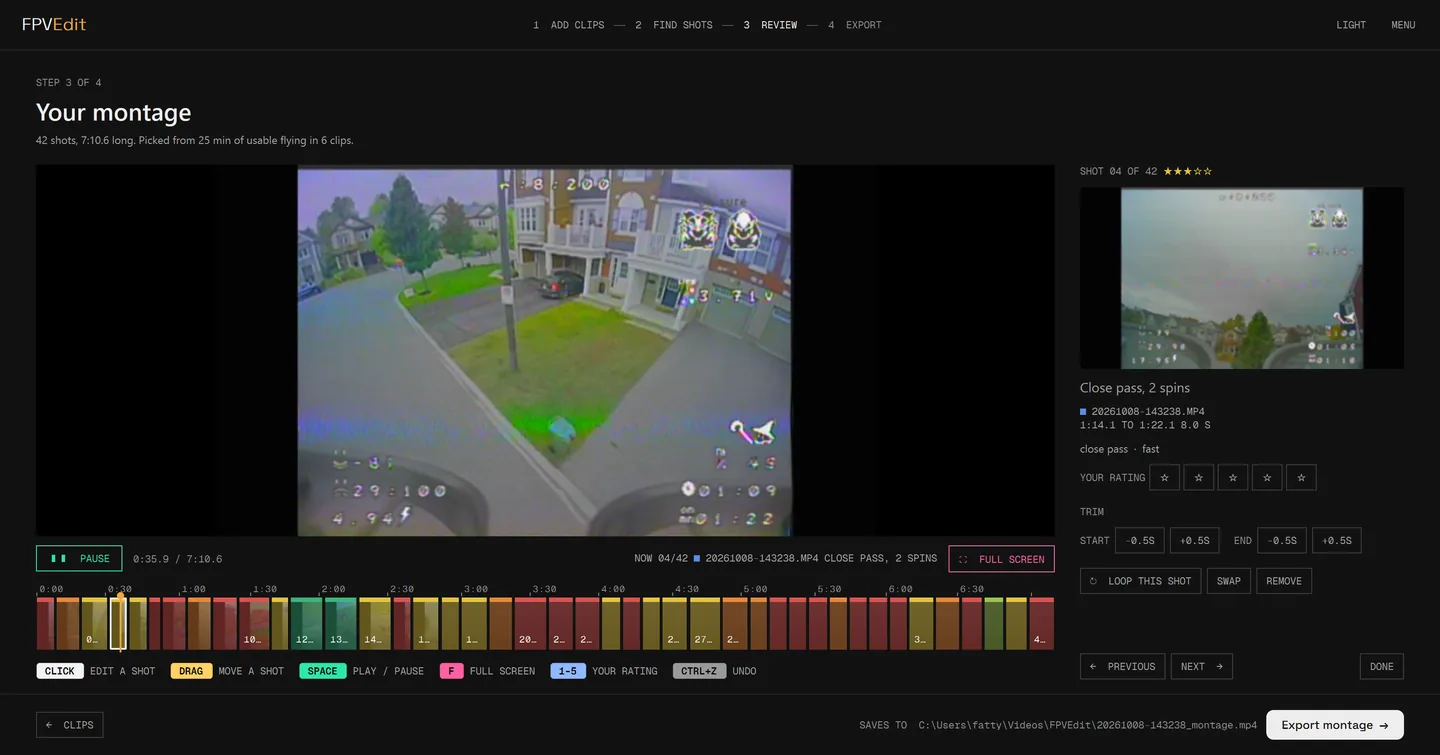
Full-screen preview with scrubbing, multi-track background music with a fade-out at the end, and a vertical 9:16 export for social media.
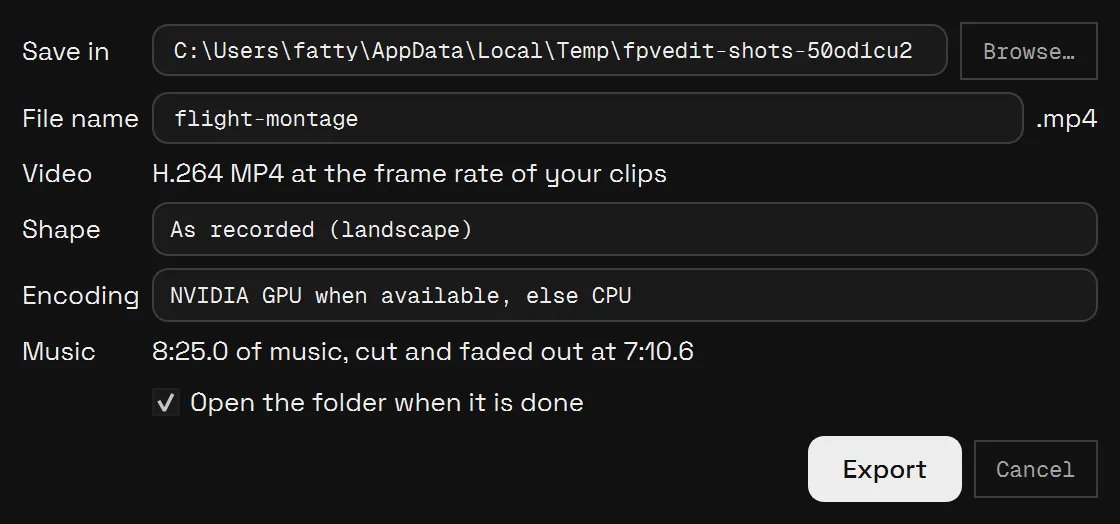
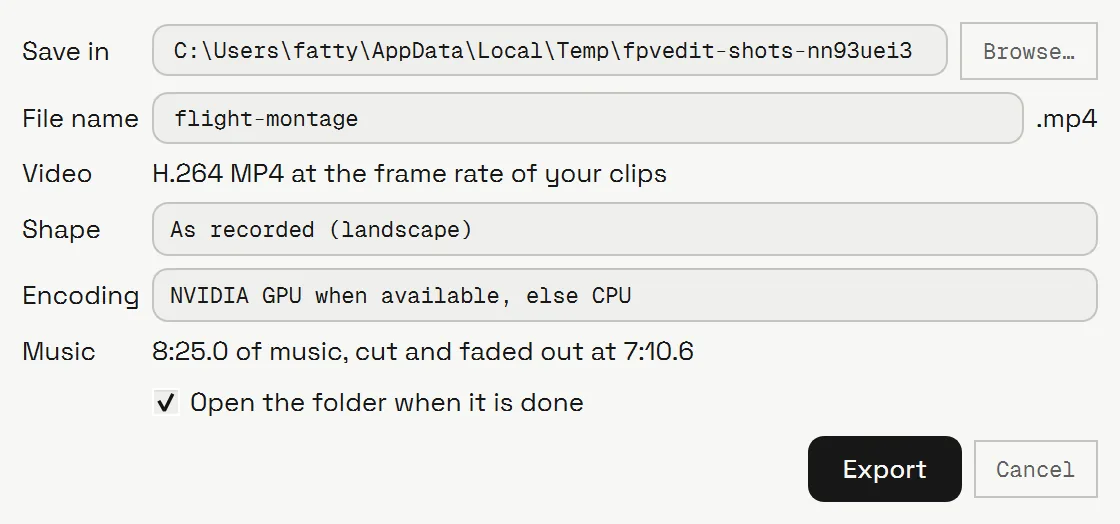
It comes with dark and light themes. The screenshots here follow this site's theme.
Numbers
I developed and tuned FPVEdit against a library of over 200 of my own flights, recorded on HDZero BoxPro+ goggles, using the edits I had cut by hand as the benchmark for what a good montage looks like.
Engineering
- Python, with classic computer vision for motion and scene analysis and machine learning for shot content and taste
- CI runs lint, type checks and tests on every push
- GitHub Actions builds a one-click Windows installer with FFmpeg bundled
- Uses the GPU when there is one, with CPU and software fallbacks otherwise
- Analysis results are saved, so repeat runs are close to instant
Download
Free and open source, for Windows. Grab FPVEdit-<version>-setup.exe from the latest release on GitHub, run it, and start FPVEdit from the Start menu. It installs for your user only, with FFmpeg included, so nothing else to set up. Windows may warn that the installer is from an unknown publisher: choose More info, then Run anyway. The code is MIT licensed on GitHub.
- Windows 10 or 11, 64-bit
- An NVIDIA graphics card makes exports faster, but everything also works on the CPU
- Takes
.tsand.mp4recordings straight from your goggles' DVR
Download the latest release Source on GitHub Donate on Ko-fi
Questions
Common questions
Is FPVEdit free?
Yes. FPVEdit is free and open source under the MIT licence. There is no paid version.
How does it make a montage automatically?
It scans every flight for flips, rolls, close passes and crashes, reads what is in each shot with a vision model, keeps the best 8 to 15 second shots in recording order, and exports the montage with background music. You can review and rate shots before exporting, or run the command-line tool and take the result as is.
Which footage does it work with?
Ordinary video files from your goggle or camera DVR. It was developed and tuned on HDZero DVR recordings of freestyle flying, and works best on freestyle rather than racing or long-range cruising.
Does it upload my footage?
No. It runs on your own PC, on the GPU when there is one and on the CPU otherwise. Nothing leaves your computer.
Can it export vertical video for social media?
Yes. The export dialog has a vertical 9:16 option alongside the standard 16:9 montage, with multi-track music that fades out at the end.